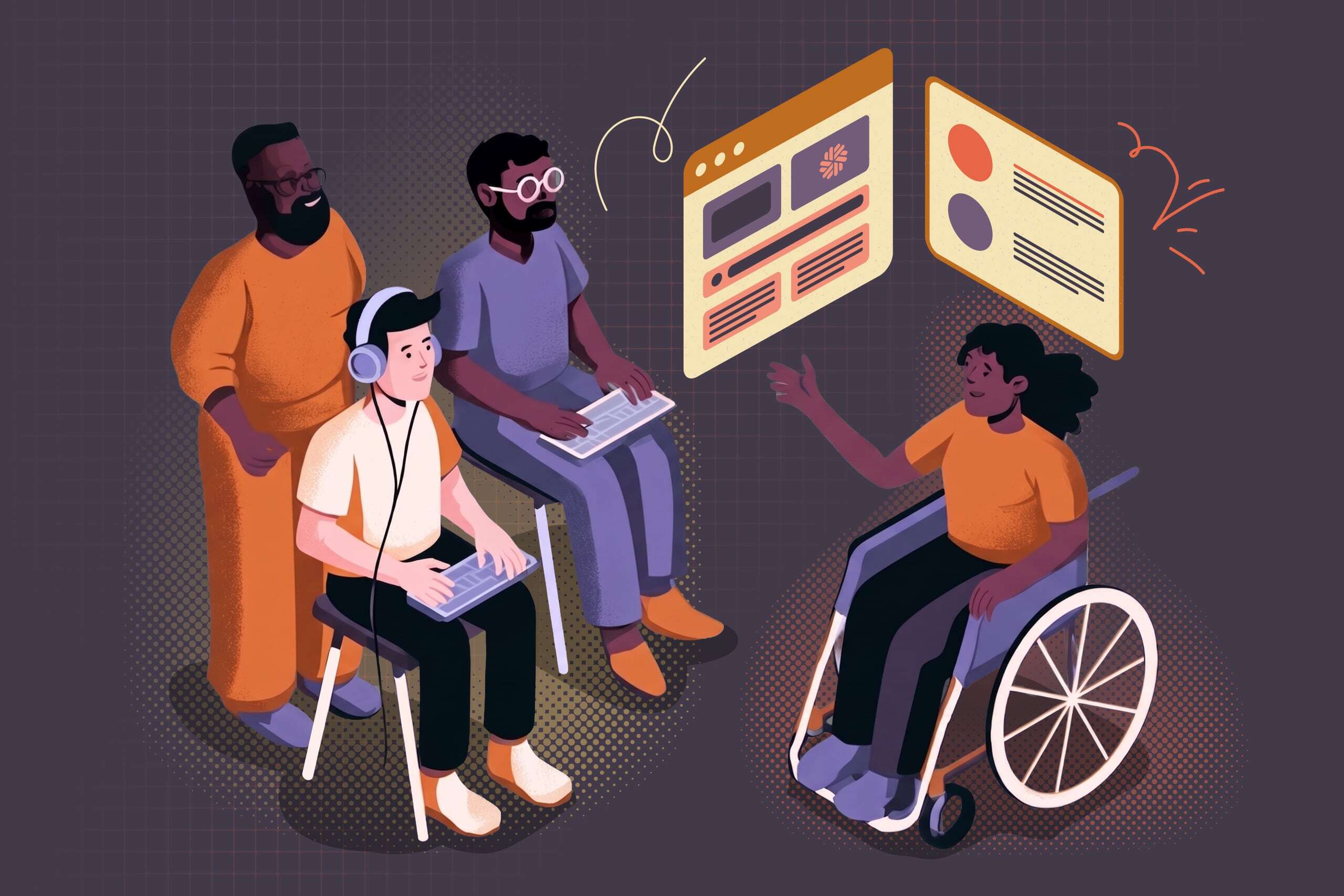
Accessibility is an important part of every website we build at Baytek. As developers, our role is to ensure that websites are not only visually appealing and functional, but also usable by as many people as possible, regardless of how they interact with the web.
One of the biggest advantages of building websites with WordPress is that many accessibility best practices are already built into the platform. Core WordPress blocks generally provide accessible markup, proper semantic HTML, keyboard navigation support, and other features that give us a strong foundation to build on.
Building Accessible HTML
Accessibility starts with the markup. When developing custom blocks and components, we ensure that the correct HTML elements are used for their intended purpose. Headings are rendered as headings, buttons as buttons, and lists as lists.
Using semantic HTML allows screen readers and other assistive technologies to properly understand and navigate content. It also helps maintain a logical document structure that benefits all users, regardless of how they access the website.
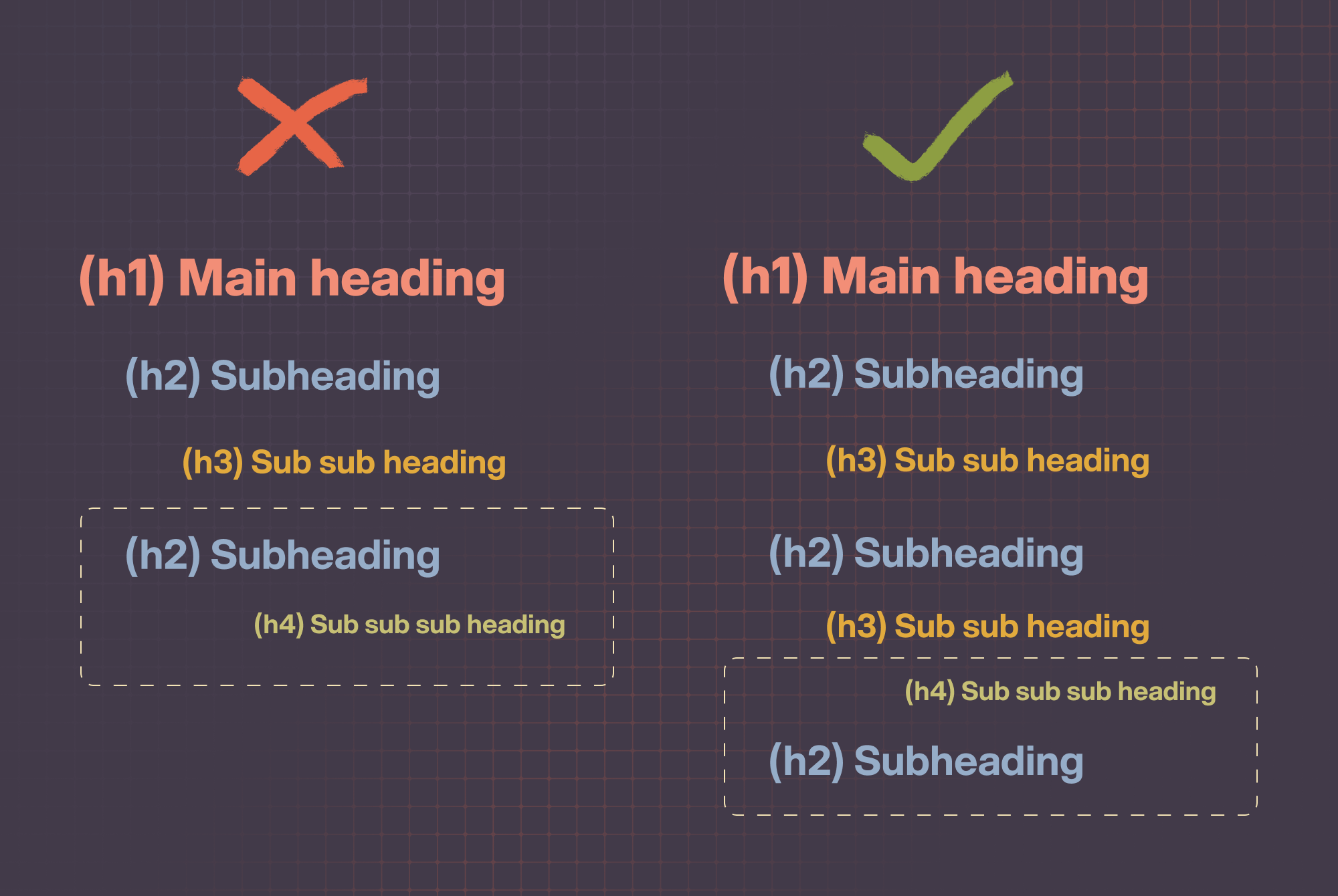
One of the most common accessibility issues we encounter is the misuse of heading levels for visual styling rather than document structure. For example, selecting an <h2> because it “looks right” instead of because it represents the next level in the content hierarchy. To avoid this, we maintain a proper heading hierarchy throughout the page while providing styling options that allow content editors to achieve the desired visual appearance without sacrificing semantic structure. This ensures that headings communicate both the visual and structural relationships of the content.
In cases where content needs to be available to assistive technologies but not visually displayed, we use visually hidden CSS techniques rather than removing content entirely. This allows screen readers to access important information while maintaining the intended visual design.
Working Around Plugin Limitations
While WordPress provides an accessible foundation, some third-party plugins require additional attention.
A common example is Gravity Forms. When a field label is hidden through certain administrative settings, the plugin will use CSS display none to hide the <label> element from the rendered HTML. This can create accessibility issues for users relying on screen readers.
Instead of removing labels, we prefer to keep them in the markup and visually hide them using CSS. This ensures that assistive technologies can still identify form fields while preserving the desired visual appearance.
Accessibility Testing During Development
Accessibility is not something we check only at the end of a project. It is part of our development and quality assurance process throughout our building.
One of the tools we use is the WAVE browser extension. WAVE helps identify common accessibility issues such as:
- Links missing descriptive text
- Adjacent links pointing to the same destination
- Missing alternative text
- Structural issues
- Color contrast
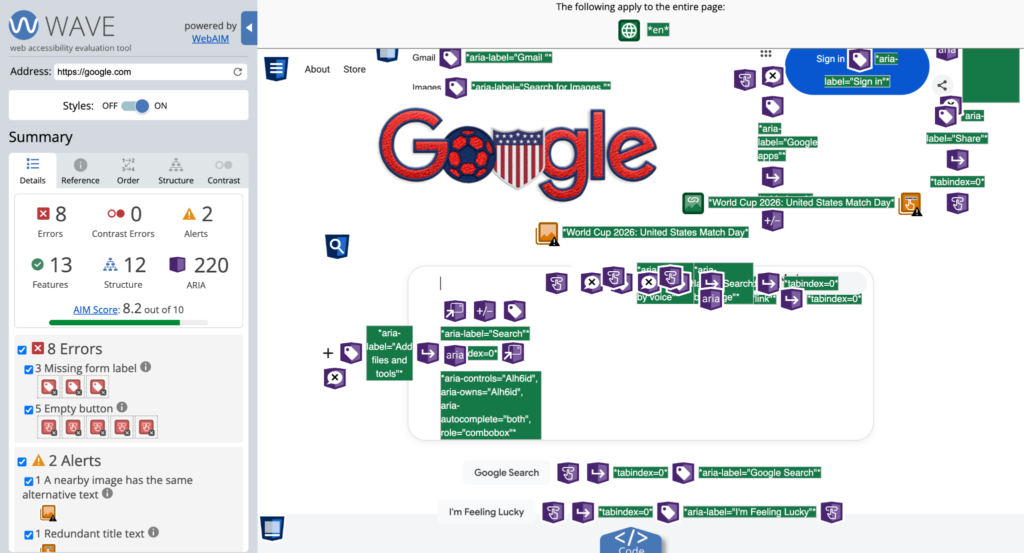
Automated accessibility tools are not meant to catch every issue, but they are excellent for identifying obvious problems early in the development process. However, automated tools cannot determine whether content is understandable, whether the reading order makes sense, whether keyboard navigation is intuitive, or whether focus states provide sufficient visual feedback. They also cannot reliably assess the quality of alternative text, determine whether link text is meaningful in context, or evaluate the overall user experience for someone using assistive technology.
Automated testing can also produce false positives or flag items that require human judgment. For example, a tool may identify adjacent links as a potential issue when the implementation is intentional, or it may flag content structures that are technically valid but require contextual review to confirm their accessibility.
For these reasons, automated testing is only one part of our accessibility process. Manual validation is essential to ensure the websites we build meet the accessibility standards outlined by the Accessibility for Ontarians with Disabilities Act (AODA). This includes reviewing keyboard navigation, focus management, document structure, responsive behavior, and the overall usability of the website for people using assistive technologies.
Keyboard Navigation Testing
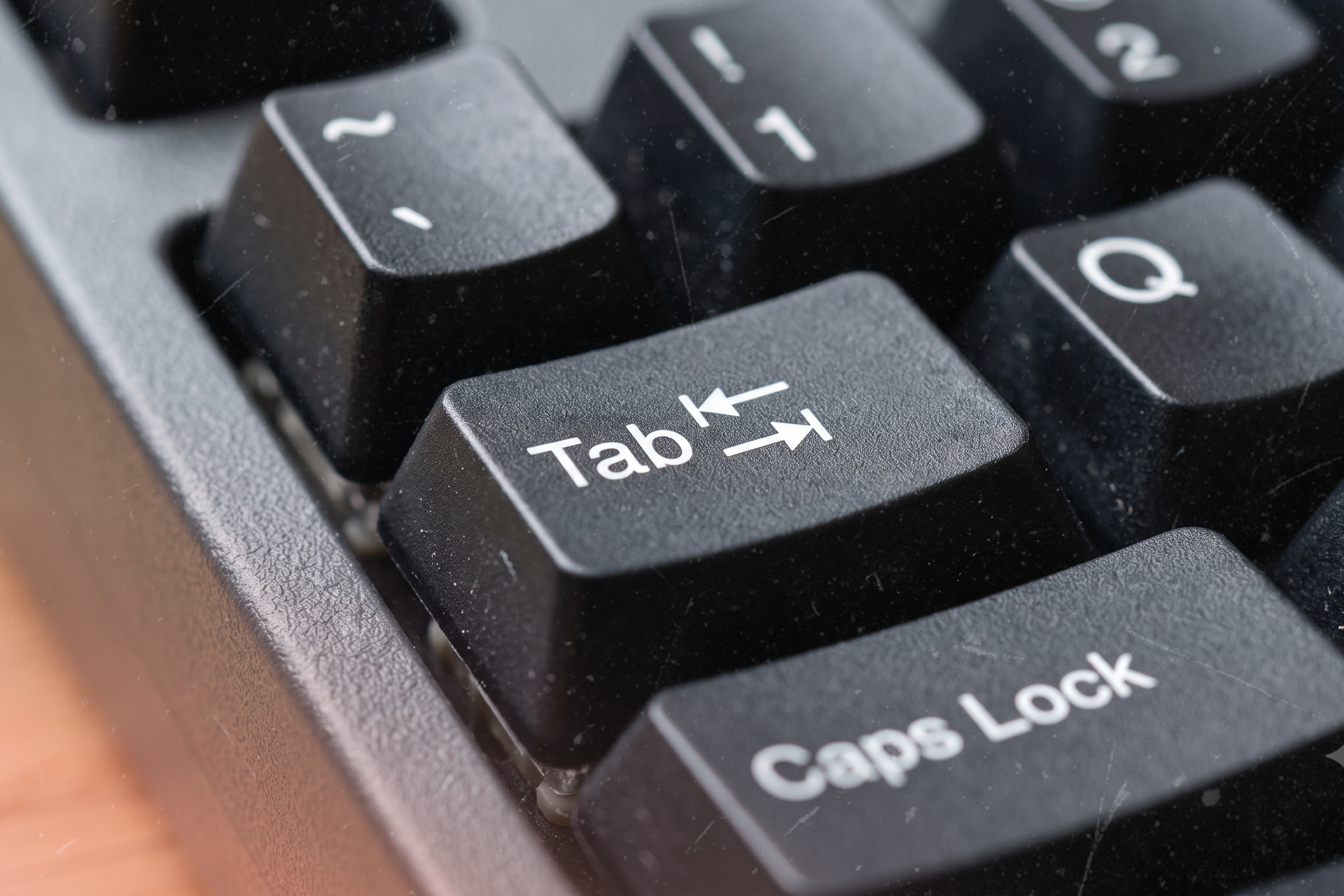
A website should be usable without a mouse. During development, we regularly test websites using only the keyboard, primarily with the Tab key (to move forwards and Shift + Tab to move backwards). This helps verify the following:
- Interactive elements can be reached
- The tab order follows a logical sequence
- Navigation is intuitive
- Focus indicators are clearly visible
Keyboard testing often reveals usability issues that the automated tools like WAVE may miss. That’s why for accessibility testing we can not rely only on automated tools.
Focus and Hover States
During keyboard navigation testing, we pay close attention to ensuring that not only are hover states present, but keyboard focus states are clearly visible as well. Throughout the development process, whenever we apply custom styling to links, buttons, images, or other interactive elements, we design both hover and focus states together.
A common accessibility mistake is creating attractive hover effects while overlooking keyboard focus states. We make sure users navigating with a keyboard receive the same clear visual feedback as users using a mouse, allowing everyone to easily identify which element currently has focus.
We also verify that any color changes applied during hover or focus states continue to meet accessibility contrast requirements.
Responsive Design and Accessibility
Accessibility extends beyond screen readers and keyboard navigation. It also includes ensuring content is usable across a wide range of devices and screen sizes.
We build responsive layouts that adapt from mobile devices to tablets, desktops, and wide-screen displays. Throughout development, we thoroughly test our websites across multiple breakpoints to ensure content remains readable, navigation remains intuitive, and functionality remains accessible regardless of device.
By taking a responsive-first approach, we help ensure that every user receives a consistent and usable experience.
Accessibility is an Ongoing Process
Accessibility is not a single task or final checklist item. It is something we consider throughout the entire development process, implementing accessible components to testing keyboard navigation, focus states, color contrast, and responsive layouts.
At Baytek, accessibility is part of how we build websites. By combining WordPress’s accessible foundation with thoughtful development practices and thorough testing, we create digital experiences that work for as many users as possible.