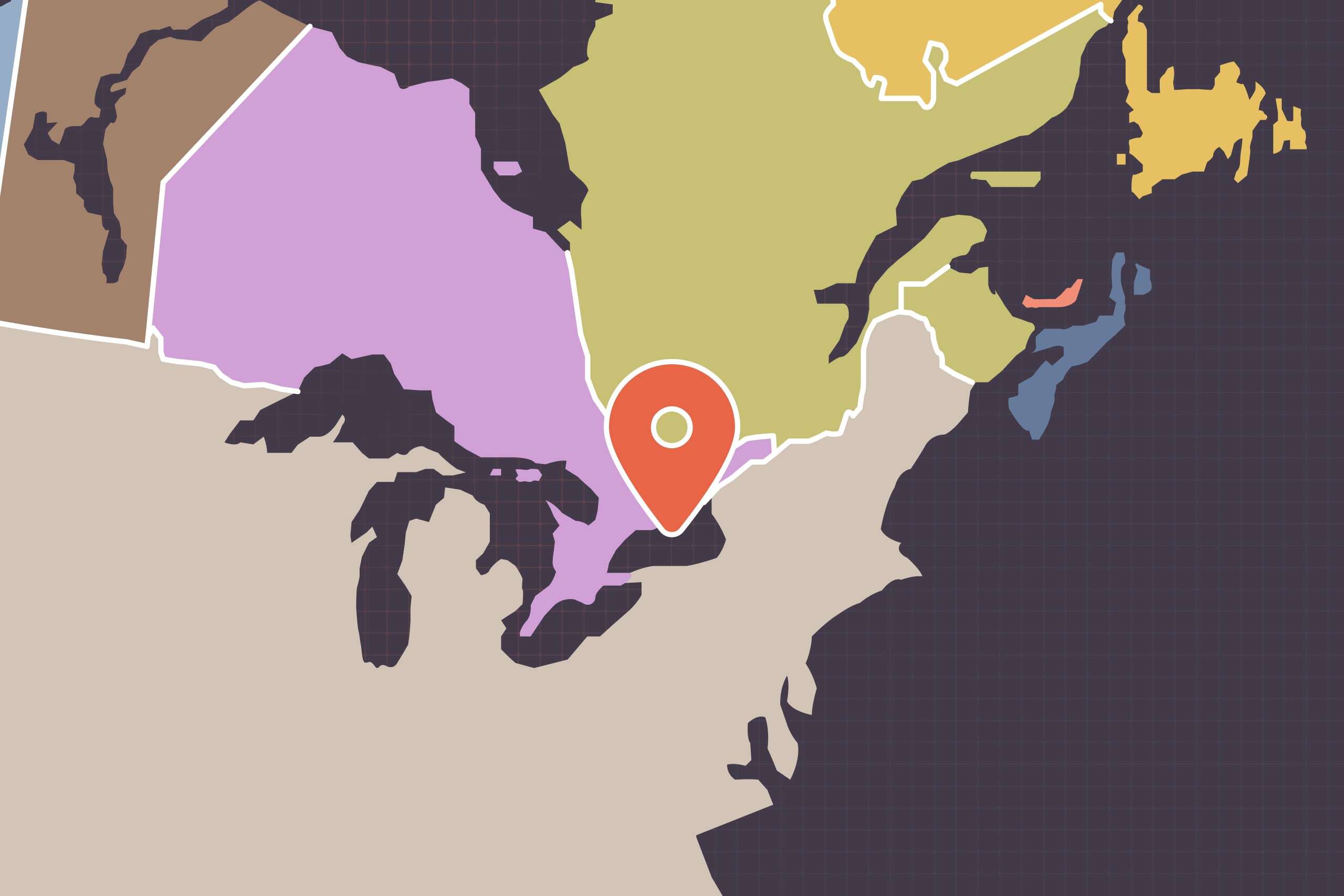
If you’ve looked at a map on a Canadian website in the last few days and seen “Lake America” where “Lake Ontario” should be, you’re not imagining things, and you’re not alone. Hydro One’s outage map, the LCBO store locator, GO Transit’s station finder, and a number of government sites all showed the same thing this week. We noticed it on some of our own clients’ sites too, and we want to walk you through what happened, why it happened, and what we’re doing to fix it.
What happened
Late last week, following a U.S. executive order renaming the lake in American federal records, Google updated its maps to show “Lake America” for U.S. users while keeping “Lake Ontario” for Canadian users. That part makes sense on its own. The trouble is that most websites don’t actually build their own maps from scratch. They embed Google’s map service using a small piece of code that pulls in whichever version of the map Google decides to serve.
And by default, when that code doesn’t specify a country, Google leans American. So a Canadian organization’s website can end up showing an American map, on a Canadian site, to Canadian visitors, without anyone touching a line of code.
Why this snuck past everyone
Here’s the part that made this so widespread: the fix has always existed in the form of a setting called a region parameter. Think of it like the language setting on a self-checkout machine. If nobody sets it, the machine defaults to something, and that default isn’t necessarily what fits the room it’s sitting in. Google’s own documentation says as much: leave the region unset, and the map defaults to a U.S. bias.
Almost nobody sets it, because almost nobody has ever needed to before. It’s the kind of setting you’d only think to add if you already knew this exact scenario could happen. Which is exactly why it caught so many organizations, including ours, off guard at the same time.
The fix, and why it isn’t one flip of a switch
The fix itself is straightforward: tell the map which country’s edition to show, by adding region=CA to the address that loads it. For a site using the Google Maps JavaScript API which is the most common setup behind a custom-built map, that address looks like this:
https://maps.googleapis.com/maps/api/js?key=YOUR_KEY&callback=initMap®ion=CA
Once that’s in place, Google draws from the Canadian edition instead of the U.S. one, and Lake Ontario shows up as Lake Ontario.
What makes this more involved than a single line suggests is that there’s no one place that setting lives. Every website loads its maps a little differently, through a plugin, a page builder or a bit of custom code and each of those means the same fix has to be found and applied in a different spot.
This is also a good example of the kind of issue that’s easy to miss because nothing “breaks.” The page still loads, the map still works, the pin still drops in the right place. The only thing that’s wrong is a label which is exactly the kind of small detail that can sit unnoticed for a long time if nobody’s specifically looking for it.
What this means for you
If your site has a Google Map on it anywhere, whether that’s a contact page, a directions page, or an event listing, this is worth a look. If you’re a Baytek client, we’re already working through this on our end. If you’d like to check sooner, or you’ve noticed “Lake America” somewhere on your site, reach out to us and we’ll take a look right away.